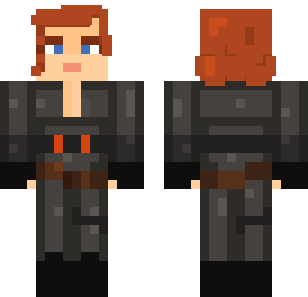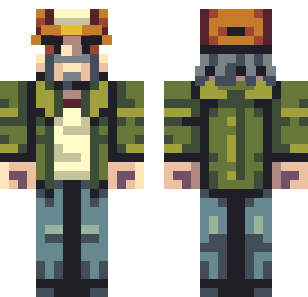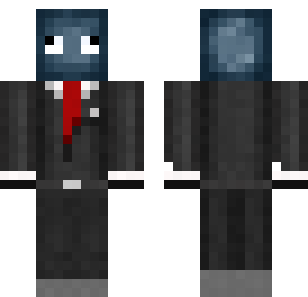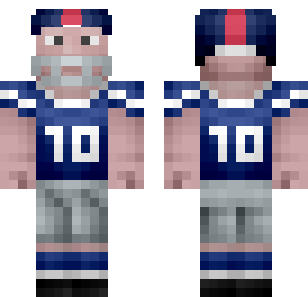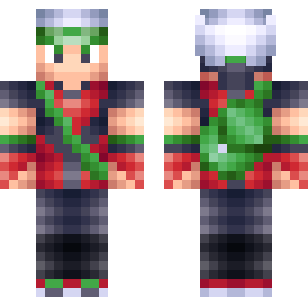
Download Free Skins in 30 Seconds
Our skins collection has 840+ free skins for Minecraft Bedrock 1.21. Works on iOS, Android, Windows, Xbox, and more.
840+ Free Skins Collection
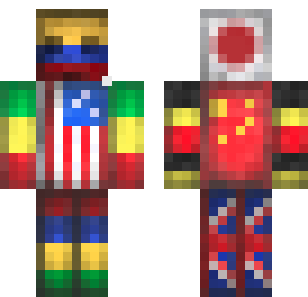
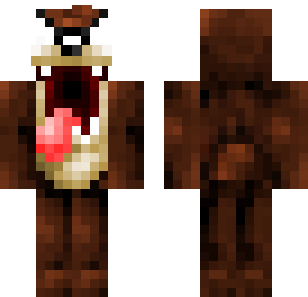
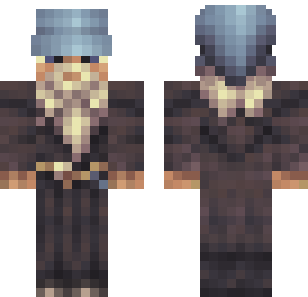
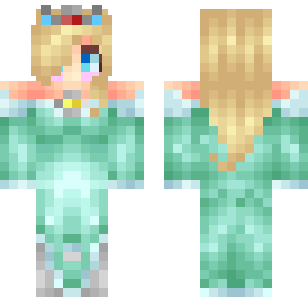
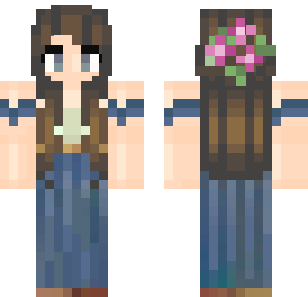
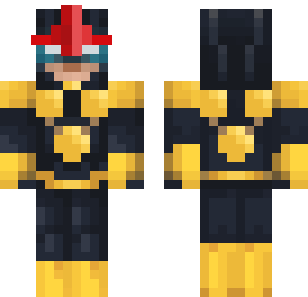
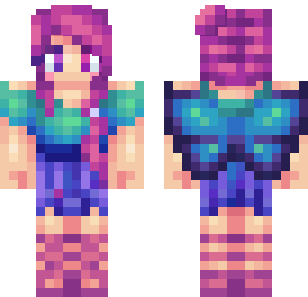
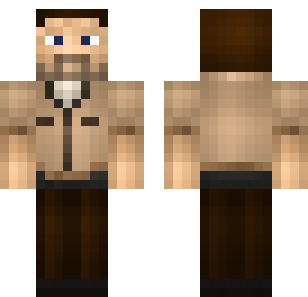
Boys, girls, animals, superheroes, military, cute, and stylish — 13 categories of free Minecraft skins for every platform.
Browse All Skins →How to Apply Skins
On iPhone and iPad
- Download the skin file from our skins collection
- Open Files app → Downloads → tap the skin file
- Tap Share → select Minecraft
- In Minecraft: Profile → Edit Character → Classic Skins → select imported skin
- Choose classic (Steve) or slim (Alex) model
On Android
- Download the skin
.pngfile - Tap the downloaded file or open via file manager
- In Minecraft: Profile → Edit Character → Classic Skins → Choose New Skin
- Select the file and pick your model type
On Windows
- Download the skin file
- In Minecraft: Profile → Edit Character → Classic Skins → Choose New Skin
- Browse to the file and select it
The skin applies instantly and persists across sessions.
Skin Categories
| Category | Style | Best For |
|---|---|---|
| Boys | Streetwear, knights, explorers | Everyday use |
| Stylish | Fashion-forward, trendy | Roleplay servers |
| Military | Tactical, camo, soldiers | PvP, combat mods |
| Cute | Chibi, pastel, adorable | Creative building |
| Super Heroes | Comic book inspired | Adventure, themed servers |
| Animals | Foxes, wolves, dragons | Family servers |
| Fantasy | Elves, wizards, fairies | Medieval builds |
| Anime | Japanese animation style | Anime fans |
| Horror | Zombies, ghosts, demons | Halloween, horror maps |
Free Skins vs. Marketplace
Cost: Our skins are free. Marketplace requires Minecoins.
Variety: 840+ skins across 13 categories vs. limited rotating Marketplace selection.
Quality: Both offer good quality. Marketplace has some animated/4D skins; free skins are static textures.
Convenience: Marketplace is in-game. Free skins require a 30-second download and import.
For most players, free skins provide more variety at no cost.
Pairing Skins with Mods
Skins are purely cosmetic and work with any addon. Good combinations:
- Military skin + gun addon — Tactical combat experience
- Animal skin + mob addon — Wildlife-themed world
- Superhero skin + fun addon — Powers to match the look
- Cute skin + furniture addon — Cozy home building
Browse our mods collection for compatible addons.
Skins by Category — Detailed Guides
Want to explore specific skin styles in depth? See our category guide:
Best skins by category → — Detailed descriptions of each skin category with style tips and recommendations.
Looking for themed bundles instead of individual skins? Check out our skin packs guide → — curated themed collections.
How to Install Skins
For detailed platform-specific installation steps:
Complete skin installation guide → — Step-by-step for iOS, Android, and Windows with troubleshooting tips.
Skin Safety
Skins are .png image files — they cannot contain viruses or execute code. The file itself is inherently safe.
The only risk is downloading from untrustworthy sites that bundle malware with downloads. We provide direct downloads with no ads, redirects, or bundled software.
For detailed safety practices, see our mod safety guide.
Tips for Better Skins
Consider visibility. Bright colors stand out in multiplayer. Dark skins blend into shadows.
Check model type. Classic (wider arms) or slim (thinner arms) — mismatched skins can look distorted.
Rotate seasonally. Keep holiday skins for December, spooky skins for October.
Preview both sides. Many skins have detailed back designs visible in third-person view.