Download Free Minecraft Mods for Bedrock & PE
Download free mods, addons, maps, and texture packs for Minecraft Bedrock Edition and Pocket Edition. Every mod on this page is tested on Minecraft 1.21 and works on iOS, Android, Xbox, and Windows. Browse by category, pick a mod, and import it straight into your game.
What You Get
- ✓500+ free mods, addons, maps, and texture packs
- ✓All mods tested on Minecraft Bedrock 1.21
- ✓Works on iOS, Android, Xbox, and Windows 10/11
- ✓One-tap install with .mcpack and .mcaddon files
- ✓Regularly updated with new releases
- ✓Organized into 13 categories by theme
- ✓No account, no registration, no paywalls
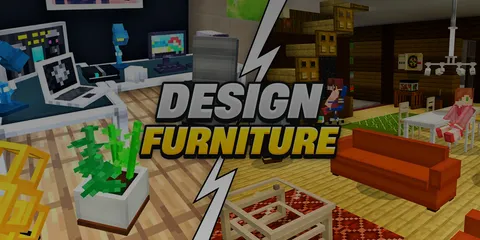
Popular
Find out this month favorites
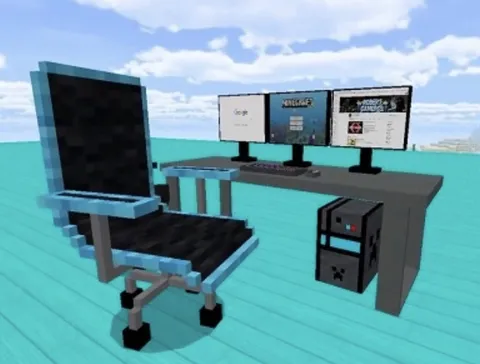
Furniture
Decorate your home
Verity
A collection of Verity mods with new mechanics
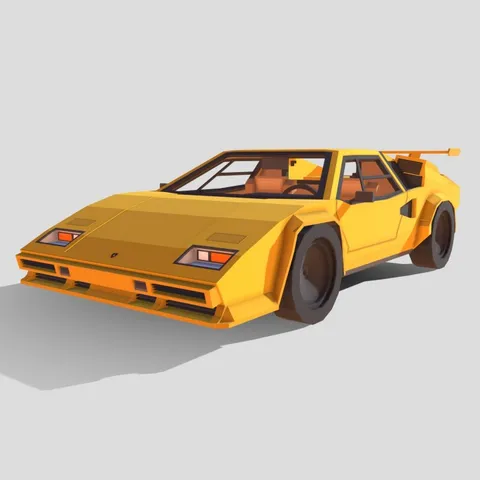
Vehicles
All possible transport
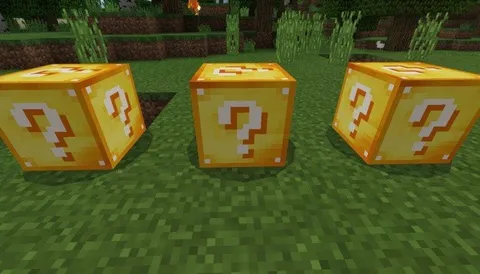
Blocks Game
Let's have some fun
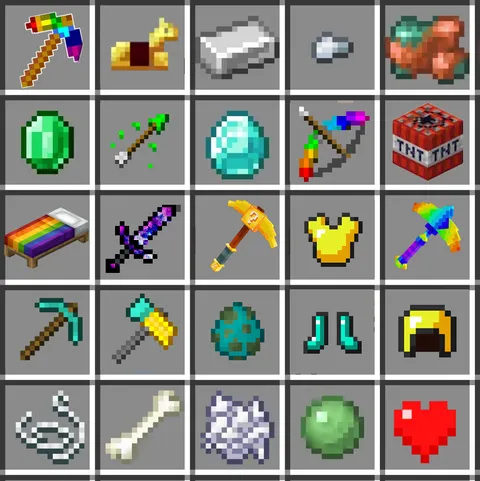
Tools & Items
Tools include pickaxe, axe, shovel, hoe, fishing

Maps
Custom created worlds
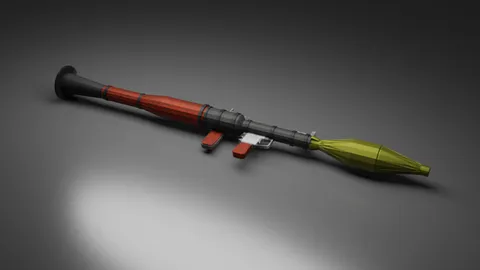
Guns
Different types of weapons

Buildings
Build your own home
Fun
Double your pleasure, double your fun
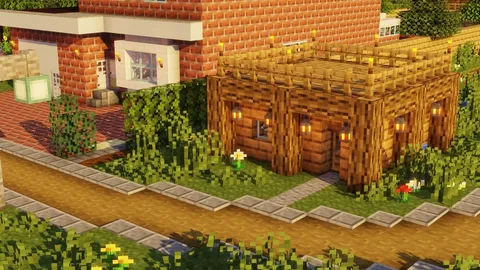
Textures
Life is better with a little texture
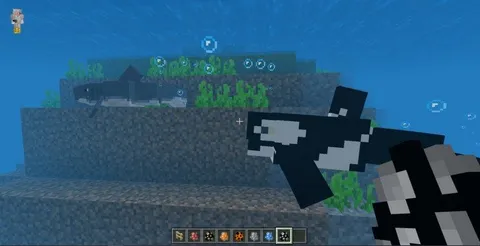
Mobs
Don't forget to turn on experimental mode
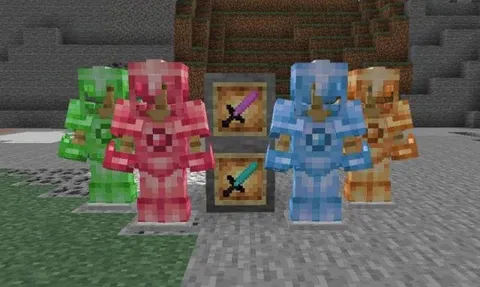
Ores
Diversify your gameplay with various, steep ores
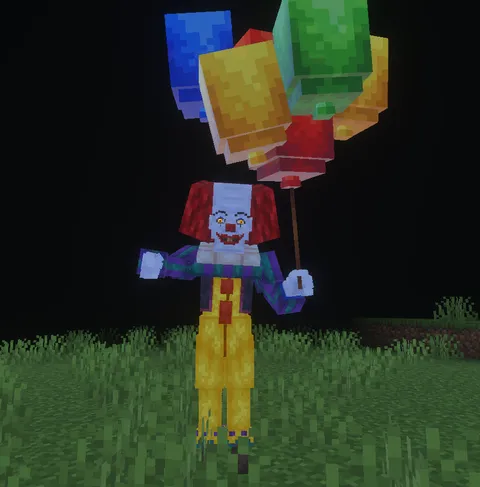
Horror
Horror mods with monsters, fear, tension, and jump

Christmas
Bring winter spirit into your world
What are Minecraft Bedrock mods?
Mods for Minecraft Bedrock Edition are also known as addons. They are content packs that add new mobs, items, blocks, textures, or game mechanics to your world. Unlike Java Edition mods, Bedrock addons use the official addon API, which means they install in seconds and run on every platform where Minecraft Bedrock is available. That includes Minecraft on iOS, Android, Xbox One, Xbox Series X/S, Windows 10 and 11, and Nintendo Switch.
How to install a Minecraft mod on Bedrock
Installation is straightforward. After you download a mod file from this site, open it on your device. Minecraft will launch automatically and import the content. You can then activate the mod in the Behavior Packs, Resource Packs, or World section when creating a new world or editing an existing one. On mobile, tap the downloaded .mcpack or .mcaddon file. On Windows and Xbox, use the Files app or File Explorer to open it. If Minecraft is already running, close it first and let the import happen from a fresh launch.
Types of mods explained
Each mod on this site falls into one of a few content types. Behavior packs change how mobs act and how gameplay rules work, such as a new boss fight or a harder survival mode. Resource packs change visuals, including textures, sounds, and models. Worlds are complete maps with custom terrain, buildings, or challenges. Addons combine behavior and resource packs into a single install. Texture packs are a subset of resource packs that only change block and item appearance. All four formats are supported on every Bedrock platform.
Which Minecraft version do I need?
Every mod listed here is verified to work on Minecraft Bedrock 1.21 and later. Older versions may work for some mods, but we recommend updating Minecraft through your app store, the Microsoft Store, or the console store before installing. If a mod misbehaves, the first fix is almost always updating the game. Minecraft Pocket Edition is the older name for the mobile version, which is now just called Minecraft on iOS and Android, so any mod labeled for Bedrock or PE will work on your phone or tablet.
Are these mods safe to download?
Yes. Every mod here is reviewed before it goes live. We check that files open correctly in Minecraft, that no malicious scripts are bundled in the archive, and that the content matches the description. All downloads are hosted on our own servers with HTTPS, and we do not require you to sign in, enter an email, or install any external launcher. If you ever find a broken or misleading mod, report it from the mod page and we will take a look.
Browse by Platform
Frequently Asked Questions
New to Minecraft Mods?
Installing mods on Minecraft Bedrock is easy. Download the .mcpack or .mcaddon file, tap to open it, and Minecraft will automatically import it.
View Popular Mods