Bedrock Mod File Types

| File | Contains | Use Case |
|---|---|---|
.mcpack |
Single resource pack OR behavior pack | Textures, sounds, or game logic |
.mcaddon |
Both resource + behavior pack bundled | Most mods (furniture, mobs, vehicles) |
.mcworld |
Complete world with packs included | Adventure maps, pre-built worlds |
All formats import directly into Minecraft — no third-party software needed.
500+ Free Mods Ready to Download
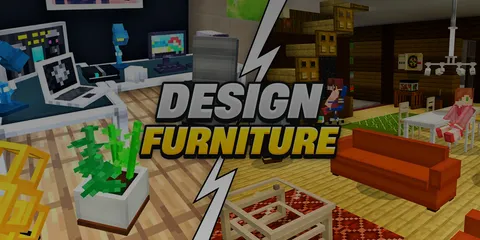
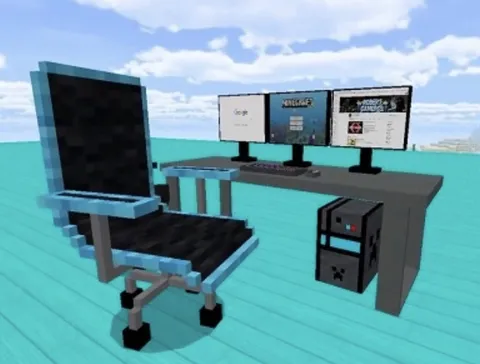
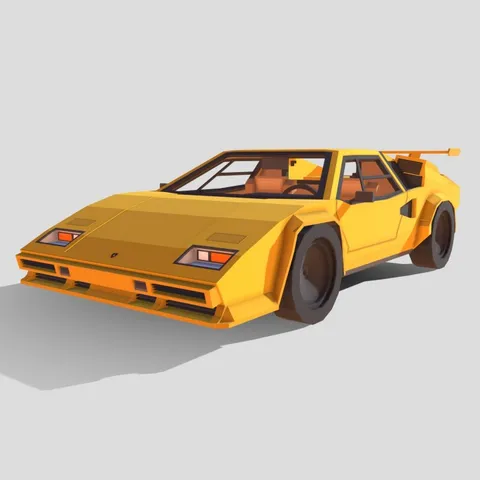
Browse our full collection of free Minecraft Bedrock mods — furniture, vehicles, mobs, guns, maps, and more. All tested for 1.21.
Browse All Mods →Quick Install (All Platforms)
- Download a mod from our collection
- Tap/click the file — Minecraft opens and imports it
- Activate in world settings (Behavior Packs + Resource Packs)
- Enable Experiments if the mod requires them
- Play
For .mcworld files, the world appears in your list ready to go.
Platform-Specific Details
iOS
Tap download → Safari shows file → tap to open in Minecraft. If prompted, use Share → "Open in Minecraft."
Android
Tap downloaded file from notification or Downloads folder → Minecraft imports.
Windows
Double-click the file → Minecraft launches and imports.
For a complete Windows guide covering file locations, Minecraft Launcher vs MS Store, and advanced troubleshooting, see our Windows mod guide →.
Guide by Platform
| Platform | Quick Install | Detailed Guide | Browse Mods |
|---|---|---|---|
| iOS / iPhone / iPad | Tap → Share → Minecraft | iOS guide → | iOS mods → |
| Android | Tap downloaded file | Android guide → | Android mods → |
| Windows 10/11 | Double-click file | Windows guide → | Windows mods → |
Skin Installation
Installing skins uses a different process than mods. See our dedicated skin installation guide → for platform-specific steps.
Activating Mods
After import, mods are stored but not active. To use them:
- Create new world (or edit existing)
- Scroll to Behavior Packs → tap mod → Activate
- Scroll to Resource Packs → tap mod → Activate
- For
.mcaddonfiles, activate BOTH packs
Enabling Experiments
Some mods use experimental Minecraft features. In world settings, scroll to Experiments and enable:
- Holiday Creator Features — Required by most custom items/blocks
- Upcoming Creator Features — Newest Bedrock APIs
If a mod seems inactive after installing, try enabling these toggles.
Troubleshooting
| Issue | Solution |
|---|---|
| "Import Failed" | Re-download; check for stable internet |
| Mod imported but nothing in-game | Activate both Behavior AND Resource packs |
| Items not in creative inventory | Enable Holiday Creator Features experiment |
| Game crashes | Deactivate newest mod; test one at a time |
| File won't open in Minecraft | Use share sheet (iOS) or "Open with" (Android) |
Detailed platform guides: iOS | Android
Recommended First Mods
Start with well-tested categories. These are most popular with new modders — reliable, low-risk, and high visual impact.
Safety Tips
Legitimate Bedrock mods use .mcpack, .mcaddon, or .mcworld formats only. Never download:
.exefiles.apkfiles (for mods)- Anything requiring "mod installer" apps
All 500+ mods on Mods4Minecraft are tested and safe.
Full guide: Are Minecraft mods safe?