What Are Bedrock Addons?
Addons are Bedrock Edition's official mod system. Unlike Java mods that require Forge/Fabric, Bedrock addons use JSON data files that Minecraft imports natively — no third-party software needed.

One addon file works on every Bedrock platform: iOS, Android, Windows, Xbox, PlayStation, Switch.
File Types
| Format | Contains | Install Method |
|---|---|---|
.mcpack |
Single resource OR behavior pack | Tap → import → activate |
.mcaddon |
Both packs bundled | Tap → import → activate both |
.mcworld |
Complete world + packs | Tap → appears in worlds list |
Detailed guides: Addon install | Behavior packs | Resource packs
Quick Install
- Download addon from our collection
- Tap the file → Minecraft imports it
- Create/edit world → Behavior Packs + Resource Packs → Activate
- Play
For .mcaddon files, activate entries in BOTH sections.
Troubleshooting
| Problem | Fix |
|---|---|
| Addon not appearing | Check Settings → Storage → Resource/Behavior Packs |
| Nothing changes in-game | Activate BOTH behavior and resource packs |
| "Experimental Gameplay" warning | Enable required toggles in world Experiments |
| Two addons conflict | Reorder packs; higher pack takes priority |
| Performance issues | Reduce number of active addons |
Combining Addons with Skins
Addons change the world. Skins change your character. They work together without conflict.
Example: Military skin + gun addon + vehicle addon = tactical combat experience.
Browse 840+ free skins to complement your addons.
Safety
Bedrock addons (.mcpack, .mcaddon, .mcworld) are data files — JSON text, images, sounds. They cannot execute code or harm your device.
The risk comes from untrustworthy download sites, not the files themselves. All 500+ addons on Mods4Minecraft are tested and safe.
Full guide: Are Minecraft mods safe?
Addon Categories
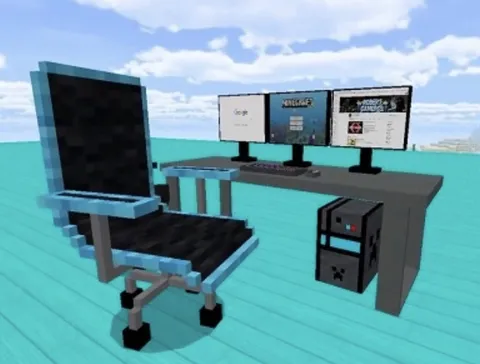
Browse by type — mobs, furniture, vehicles, guns, maps, textures, and more. Each category contains dozens of free addons ready to download.
By Type
| Addon Type | What it Changes | Top Categories |
|---|---|---|
| Behavior packs | Game mechanics, AI, items | Mobs, Guns, Ores |
| Resource packs | Visuals, sounds, UI | Textures |
| Both bundled | New gameplay + visuals | Furniture, Vehicles |
| World files | Complete worlds | Maps |
Popular Addon Categories
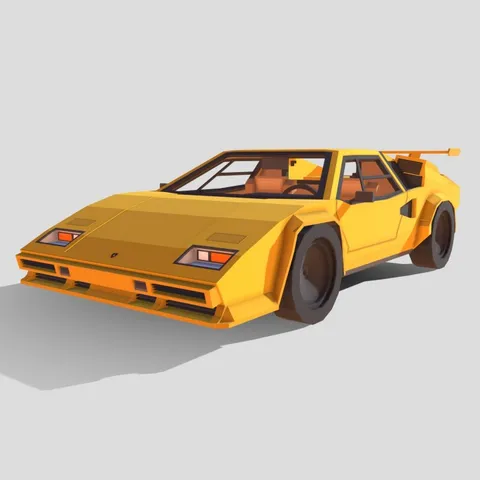
- Vehicles — 57+ car, plane, and boat addons. Detailed guide →
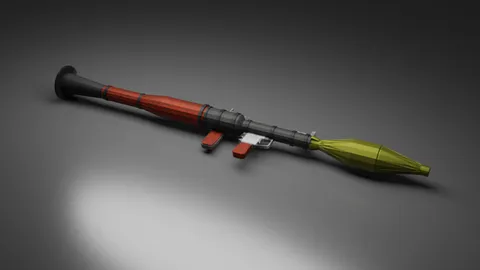
- Guns & Weapons — 30+ firearms and melee addons. Detailed guide →
- Realism — Shaders, animations, physics. Detailed guide →
- Survival — Backpacks, tools, farming. Detailed guide →
Browse by platform: iOS mods · Android mods · Windows mods · Xbox mods
Addon vs Mod vs Texture Pack
| Term | Meaning | File Type |
|---|---|---|
| Addon | Official Bedrock modification | .mcaddon, .mcpack |
| Mod | Community term (same as addon) | .mcaddon, .mcpack |
| Texture Pack | Visual-only resource pack | .mcpack |
| Map/World | Pre-built world file | .mcworld |
Learn how to combine multiple addons safely: Combining addons guide →