The Truth: Bedrock Doesn't Have Traditional Modpacks
Java Edition has modpacks — bundles of 50-200 mods installed with one click via launchers like CurseForge or Modrinth. Forge/Fabric make this possible.

Bedrock Edition has no equivalent. No Forge. No mod loader. No one-click bundles. Each addon installs individually.
This is a real limitation. But alternatives exist.
Alternative 1: Build Your Own Addon Collection
Bedrock supports multiple addons simultaneously. You can activate 5, 10, or more in one world — effectively creating your own modpack.
Advantages:
- You choose exactly what's included
- No bloat from mods you don't want
- Test compatibility as you add
How to do it:
- Pick a theme/playstyle
- Download 3-5 addons from our collection
- Import each (install guide)
- Activate all in world settings (Behavior + Resource Packs)
- Test for conflicts
Alternative 2: Pre-Modded Maps
Some creators bundle addons into .mcworld files — download one file, get world + all configured addons.
Good for: Adventure maps, challenge worlds, showcases. Limitation: Locked to creator's world; can't extract addons easily.
Recommended Addon Combos
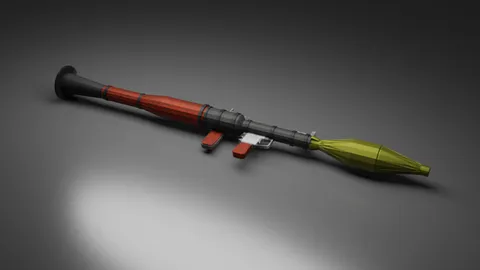
Combat Pack: Gun mod + vehicle mod + mob addon + military texture. Transforms Minecraft into survival shooter.
Fantasy RPG Pack: Dragon/creature mobs + ore mod + medieval furniture + themed texture. D&D-style adventure.
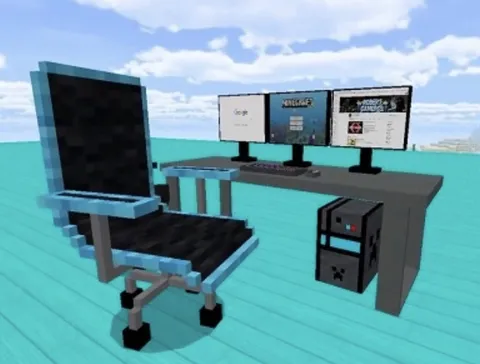
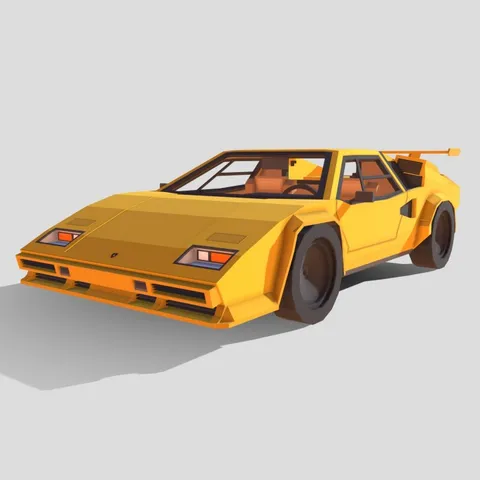
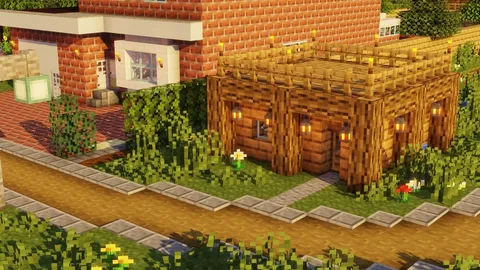
Modern Life Pack: Modern furniture + vehicles + building blocks + stylish skins. The Sims meets Minecraft.
Survival Challenge Pack: New ores + custom mobs + challenge map + realistic texture. Deeper vanilla-plus survival.
Browse the categories below to start building your combo.
How Many Addons Can You Run?
| Device | Recommended Addons |
|---|---|
| High-end (iPhone 15, iPad Pro, gaming PC) | 8-15 |
| Mid-range (iPhone 12/13, typical Android) | 5-8 |
| Budget/older devices | 2-4 |
Performance tips:
- Lower render distance (8 chunks frees memory)
- Disable fancy graphics
- Avoid redundant addons (two gun mods waste resources)
- Restart Minecraft after installing
Managing Conflicts
When addons conflict, pack order matters. Higher in list = higher priority.
Common conflicts:
- Two addons modify same mob → top pack wins
- Same item name → one renders, one breaks
- Texture conflicts → top pack's texture shows
Best practice: Combine addons from different categories (gun + furniture + texture = no conflict).
The Marketplace Alternative
Minecraft Marketplace sells mashup packs — textures + skins + maps bundled. Not full modpacks (no new gameplay mechanics), but closest official option.
Pros: Guaranteed compatibility, one-click install. Cons: Costs Minecoins; limited to visual changes.
For free alternatives with actual gameplay changes, our 500+ mods offer far more variety.
Building Your First Collection
- Start with one popular mod
- Play 15 minutes to learn what it adds
- Add complementary addon from different category
- Test 10 minutes for conflicts
- Repeat — add one at a time
- Back up world save when satisfied
Install guide → | Best mods guide →
The Bright Side
No traditional modpacks means:
- No bloat — You pick only what you want
- No dependencies — Each addon works independently
- Full control — Mix and match freely
Think buffet, not fixed menu. Build exactly the experience you want.
Browse 500+ free mods to start your custom collection.