Yes, Android Supports Mods Natively
Minecraft on Android is the full Bedrock Edition — same as iPhone, Windows, and consoles. No rooting required. No third-party launchers. Just download, tap, and play.

Popular Mods for Android
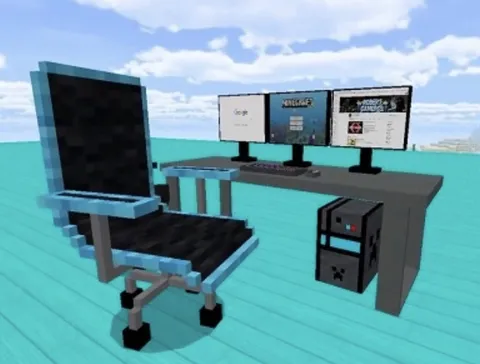
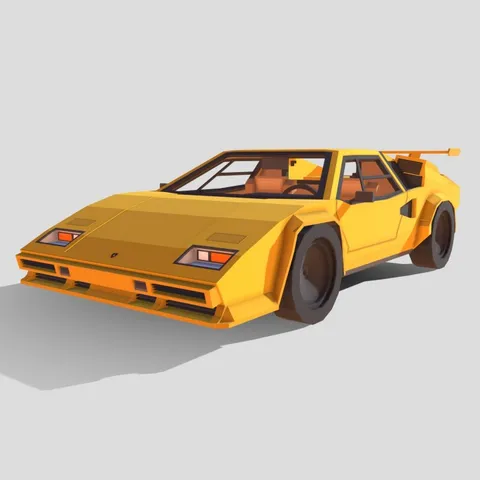
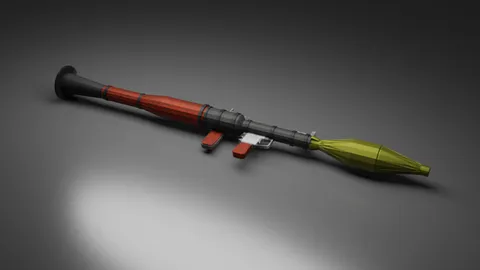
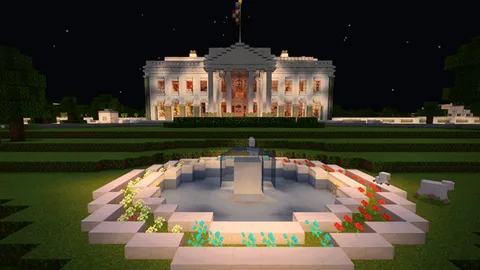
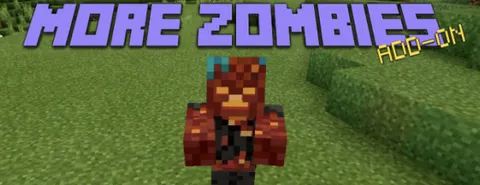
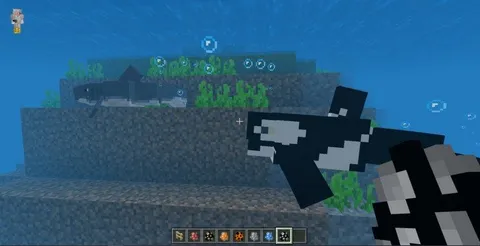
Our most downloaded mods, all tested on Android devices. Furniture, vehicles, mobs, and more — ready to install.
Browse Popular Mods →How to Install Mods on Android
Step 1: Browse our mods collection and download a mod file (.mcpack, .mcaddon, or .mcworld).
Step 2: Tap the downloaded file from the notification or your Downloads folder.
Step 3: Minecraft opens and shows "Import successful."
Step 4: Create or edit a world → Behavior Packs / Resource Packs → Activate the mod.
Step 5: Play.
For .mcworld files, the world appears directly in your worlds list — no activation needed.
Detailed guides: Addon install | Behavior packs | Resource packs
Top Mods for Android

Best categories for Android: furniture (runs smooth on all devices), vehicles (physics-based travel), mobs (new creatures), guns (combat), and 64x texture packs (better visuals without performance hit).
Browse all Android-compatible mods tested on phones and tablets, or pick the categories below.
Android Troubleshooting
| Problem | Fix |
|---|---|
| File opens wrong app | Long-press → Open with → Minecraft |
| "Import Failed" | Re-download; check internet was stable |
| File permission issues | Settings → Apps → Minecraft → Permissions → Files |
| Mod not appearing | Check both Behavior Packs and Resource Packs; restart Minecraft |
| Game crashes | Close background apps; lower render distance to 6-8 chunks |
Performance Tips
Render distance: Budget phones 4-6 chunks, mid-range 8-10, flagship 12-16.
Close background apps before launching modded Minecraft.
Disable fancy graphics (Fancy Leaves, Smooth Lighting) if lag occurs.
Avoid charging while playing — reduces thermal throttling.
Skins for Android
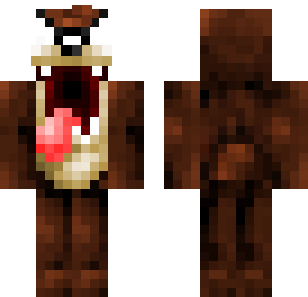
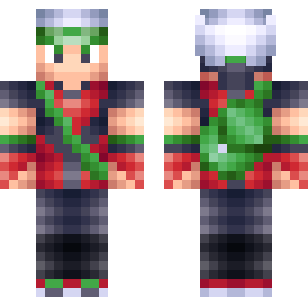
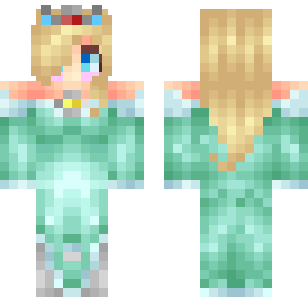
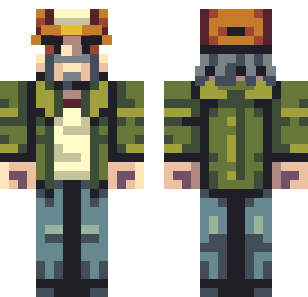
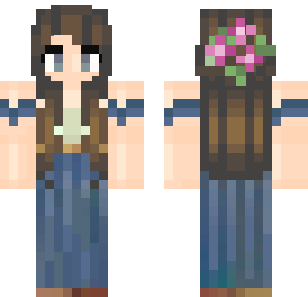
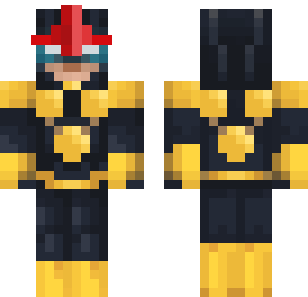
Skins change your character appearance. Download from our skins collection — 840+ free options.
To apply: Minecraft → Profile → Edit Character → Classic Skins → Choose New Skin → select the downloaded image file.
Popular categories: Stylish | Military | Cute | Animals
Safety
Bedrock addon files (.mcpack, .mcaddon, .mcworld) are JSON data — they cannot execute code or contain viruses. The risk comes only from untrustworthy download sites.
All 500+ mods on Mods4Minecraft are tested and verified safe. No ad redirects, no bundled software.
Full safety guide: Are Minecraft mods safe?