Yes, iPhone and iPad Support Mods
Minecraft on iOS is the full Bedrock Edition. No jailbreak needed. Addons are data files (JSON, images, sounds) — Apple allows them because they cannot modify your device.

Popular Mods for iOS
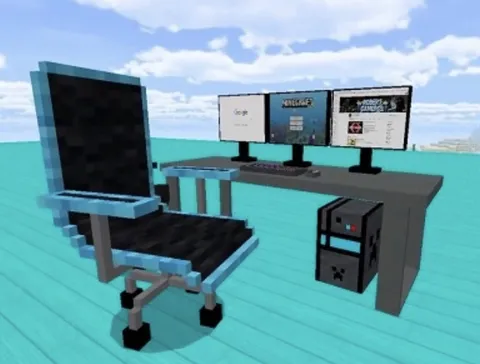
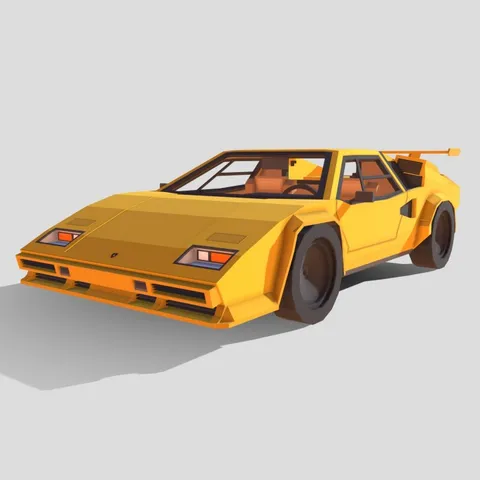
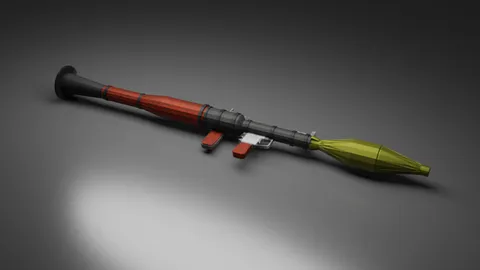
Our most downloaded mods, all tested on iPhone and iPad. Furniture, vehicles, mobs, and more — ready to install.
Browse Popular Mods →How to Install Mods on iOS
Step 1: Open Safari and browse our mods collection.
Step 2: Download a mod file (.mcpack, .mcaddon, or .mcworld).
Step 3: Tap the download icon in Safari → tap the file → select "Open in Minecraft."
Alternative: Open Files app → Downloads → tap the file → Share → Minecraft.
Step 4: Minecraft imports the file and shows "Successfully imported."
Step 5: Create or edit a world → Behavior Packs / Resource Packs → Activate the mod → Play.
For .mcworld files, the world appears directly in your worlds list.
Detailed guides: Addon install | Map install
Best Mods by Device

All iPhones: Furniture mods, skin packs, 32x textures — lightweight, minimal impact.
iPhone 12+: Add vehicle mods, gun mods, 64x textures.
iPhone 14 Pro+ / iPad Pro: Large mob packs, 128x HD textures, 5-8 addons simultaneously.
Browse all iOS-compatible mods tested on iPhone and iPad, or pick the categories below for your device.
iPad Advantages
iPads handle more mods than iPhones — 8-12 addons comfortably on most models.
Larger screen makes building and furniture mods shine.
Split View lets you browse mods in Safari while playing Minecraft.
iOS Troubleshooting
| Problem | Fix |
|---|---|
| File doesn't open Minecraft | Long-press → Share → "Open in Minecraft" |
| "File type not supported" | Rename if extension is wrong; re-download if corrupted |
| Mod imported but not appearing | Check Behavior Packs AND Resource Packs; restart Minecraft |
| Game crashes on modded world | Close all apps; deactivate newest addon; lower render distance |
| Battery drains fast | Lower brightness; reduce render distance; use Low Power Mode |
| iPhone gets hot | Remove case; avoid direct sunlight; don't charge while playing |
Performance Tips
Render distance: Start at 8 chunks. Increase if smooth, decrease if laggy.
Close background apps before launching modded Minecraft.
Remove phone case when playing intensive mods — improves heat dissipation.
Skins for iOS
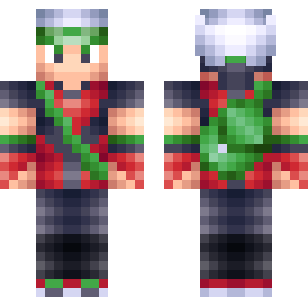
Apply skins from our collection — 840+ free options.
Skin packs (.mcpack): Import → Dressing Room → Classic Skins → select.
Individual skins (.png): Save to Photos → Minecraft → Profile → Edit Character → Classic Skins → Choose New Skin → select from Photos.
Safety on iOS
iOS provides strong security. Minecraft addon files (.mcpack, .mcaddon, .mcworld) are data files that cannot harm your device.
Key rules:
- Only download
.mcpack,.mcaddon, or.mcworldfiles - Never enter Apple ID or Microsoft credentials on mod sites
- If a site asks for surveys or profile installs, leave immediately
All mods on Mods4Minecraft are tested on iOS and verified safe.
Full safety guide: Are Minecraft mods safe?