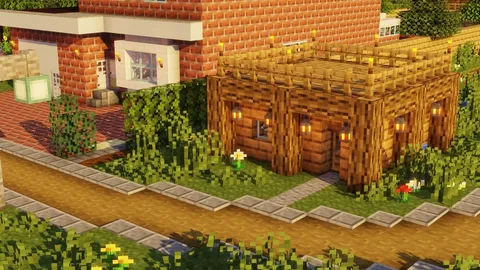
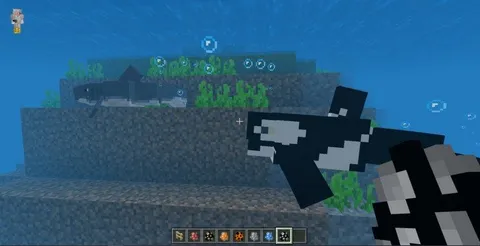
Bedrock Edition vs. Java Edition on PC
Windows is the only platform that runs both Minecraft editions. Before downloading mods, confirm which version you have:
| Feature | Bedrock Edition | Java Edition |
|---|---|---|
| Store | Microsoft Store / Xbox app | minecraft.net (standalone) |
| Mod format | .mcpack, .mcaddon, .mcworld |
.jar (Forge/Fabric) |
| Cross-play | iOS, Android, Xbox, PS, Switch | PC only |
| Mod installation | Double-click file | Requires mod loader |
| Title screen | "Minecraft" | "Minecraft: Java Edition" |
This guide covers Bedrock Edition mods. If your title screen says "Minecraft: Java Edition," these mods will not work.

Mod File Types
| Extension | Contains | Opens As |
|---|---|---|
.mcpack |
Single addon (behavior or resource pack) | Auto-imports into Minecraft |
.mcaddon |
Bundled behavior + resource pack | Auto-imports both packs |
.mcworld |
Complete world with mods pre-installed | Adds world to your worlds list |
All three file types work identically on Windows — double-click to import.
Step-by-Step Installation
Step 1: Browse our mods collection and download a mod file.
Step 2: Locate the downloaded file in your Downloads folder (C:\Users\[YourName]\Downloads\).
Step 3: Double-click the .mcpack, .mcaddon, or .mcworld file. Windows launches Minecraft and imports the mod automatically.
Step 4: For .mcpack and .mcaddon files — create a new world or edit an existing one → Behavior Packs / Resource Packs → find the imported mod → Activate → Play.
Step 5: For .mcworld files — the world appears directly in your worlds list, ready to play.
500+ Free Mods for Windows
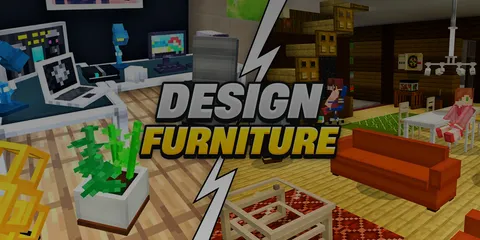
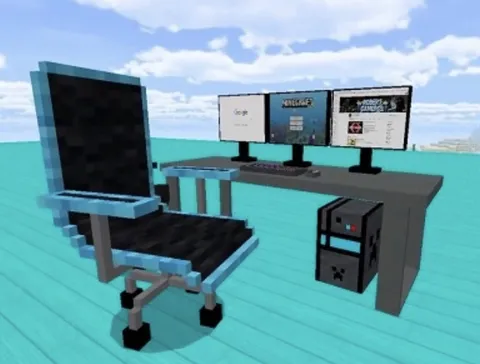
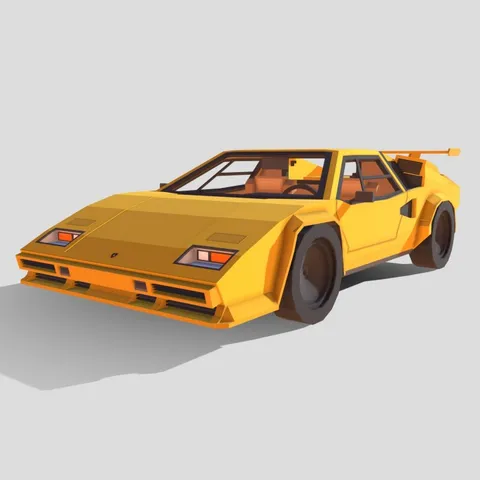
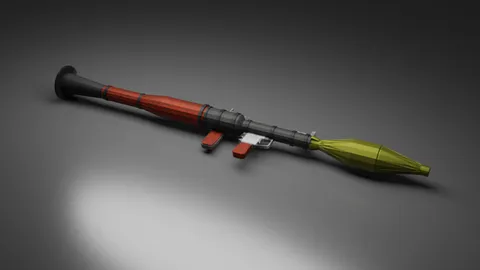
Vehicles, guns, furniture, mobs, and more — all tested on Bedrock 1.21. Double-click to install on Windows 10/11.
Browse All Mods →Windows File Locations
| Folder | Path |
|---|---|
| Downloads | C:\Users\[YourName]\Downloads\ |
| Minecraft data | C:\Users\[YourName]\AppData\Local\Packages\Microsoft.MinecraftUWP_8wekyb3d8bbwe\LocalState\games\com.mojang\ |
| Behavior packs | ...\com.mojang\behavior_packs\ |
| Resource packs | ...\com.mojang\resource_packs\ |
| Worlds | ...\com.mojang\minecraftWorlds\ |
Tip: Press Win + R, type %localappdata%\Packages\Microsoft.MinecraftUWP_8wekyb3d8bbwe\LocalState\games\com.mojang, and press Enter to open the Minecraft data folder directly.
Fixing File Associations
If double-clicking a .mcpack file does not open Minecraft:
- Right-click the file → Open with → Choose another app
- Select Minecraft from the list
- Check Always use this app to open .mcpack files
- Click OK
Repeat for .mcaddon and .mcworld if needed. If Minecraft does not appear in the app list, reinstall it from the Microsoft Store to restore file associations.
Microsoft Store vs. Minecraft Launcher
| Version | Mod Support | Notes |
|---|---|---|
| Microsoft Store | Full support | File associations work out of the box |
| Xbox App / Minecraft Launcher | Full support | Same Bedrock Edition, same mod compatibility |
Both install methods give you the same Bedrock Edition with identical mod support. The Minecraft Launcher also provides access to Java Edition if you own it.
Performance Tips for PC
Allocate more RAM. Bedrock on Windows manages memory automatically, but closing background apps frees resources for larger mod packs.
Update GPU drivers. Outdated drivers cause visual glitches with resource packs and shaders. Check NVIDIA GeForce Experience or AMD Radeon Software for updates.
Render distance. Start at 16 chunks with mods active. Increase to 24-32 if performance stays smooth. PC handles higher render distances than mobile.
SSD advantage. Minecraft loads modded worlds significantly faster from an SSD compared to a traditional hard drive.
Troubleshooting
| Problem | Fix |
|---|---|
| Double-click does nothing | Fix file association (see section above) |
| "Import failed" message | Re-download the file — it may be corrupted |
| Mod not appearing in packs list | Restart Minecraft; check both Behavior and Resource Packs |
| Game crashes with mod active | Deactivate the newest mod; update Minecraft to latest version |
| World loads without mod | Verify the mod is activated in world settings before playing |
| Low FPS with mods | Lower render distance; close background apps; update GPU drivers |
Also Available on Mobile
The same mods work across all Bedrock platforms. If you play on multiple devices, check our platform-specific guides:
For recommendations on which mods to try first, see our best free mods list. You can also browse all Windows-compatible mods in one place.