Minecraft Mods for iPhone & iPad — Free Download
All mods below work on iPhone and iPad running Minecraft Bedrock. One-tap install — no jailbreak, no sideloading. Just download, tap the file, and Minecraft imports it automatically.
536+ ModsiPhone & iPadUpdated 2026
Browse Mods by Category for iPhone & iPad
40 mods
Popular
Find out this month favorites
40 mods
Furniture
Decorate your home
57 mods
Vehicles
All possible transport
34 mods
Blocks Game
Let's have some fun

71 mods
Maps
Custom created worlds
30 mods
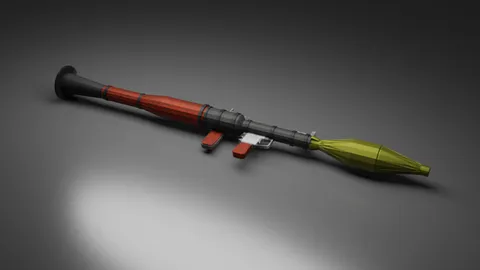
Guns
Different types of weapons

53 mods
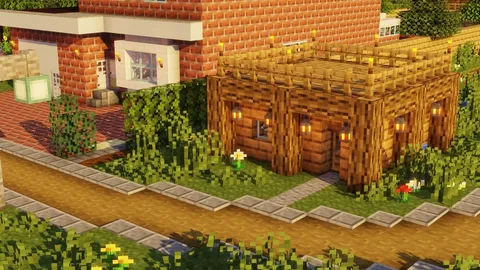
Buildings
Build your own home
40 mods
Fun
Double your pleasure, double your fun
39 mods
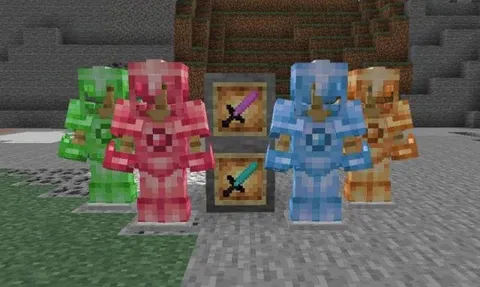
Textures
Life is better with a little texture
23 mods
Ores
Diversify your gameplay with various, steep ores
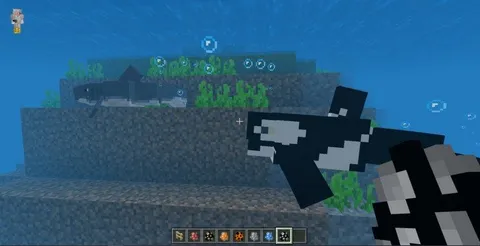
47 mods
Mobs
Don't forget to turn on experimental mode
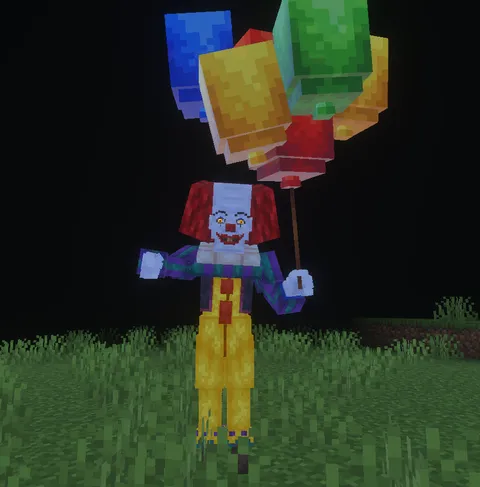
42 mods
Horror
Horror mods with monsters, fear, tension, and jump

20 mods
Christmas
Bring winter spirit into your world
How to Install Mods on iPhone & iPad
- Tap the download button on any mod
- Open the downloaded .mcpack / .mcaddon file
- Minecraft opens and imports it automatically
- Go to Settings → Storage → select the pack
- Create or edit a world → activate the packs
Need detailed steps? Full install guide →